
Loopkid
Open studio
For kids 6–13

Kids don't just play games. They build them.

Loopkid is the AI creative studio where kids turn ideas into real games, apps, quizzes, and stories, just by chatting. Safe, fun, and parent-approved.

How it works

From idea to playable app in minutes

No code, no setup, no waiting. Just a conversation.
  1. STEP 1

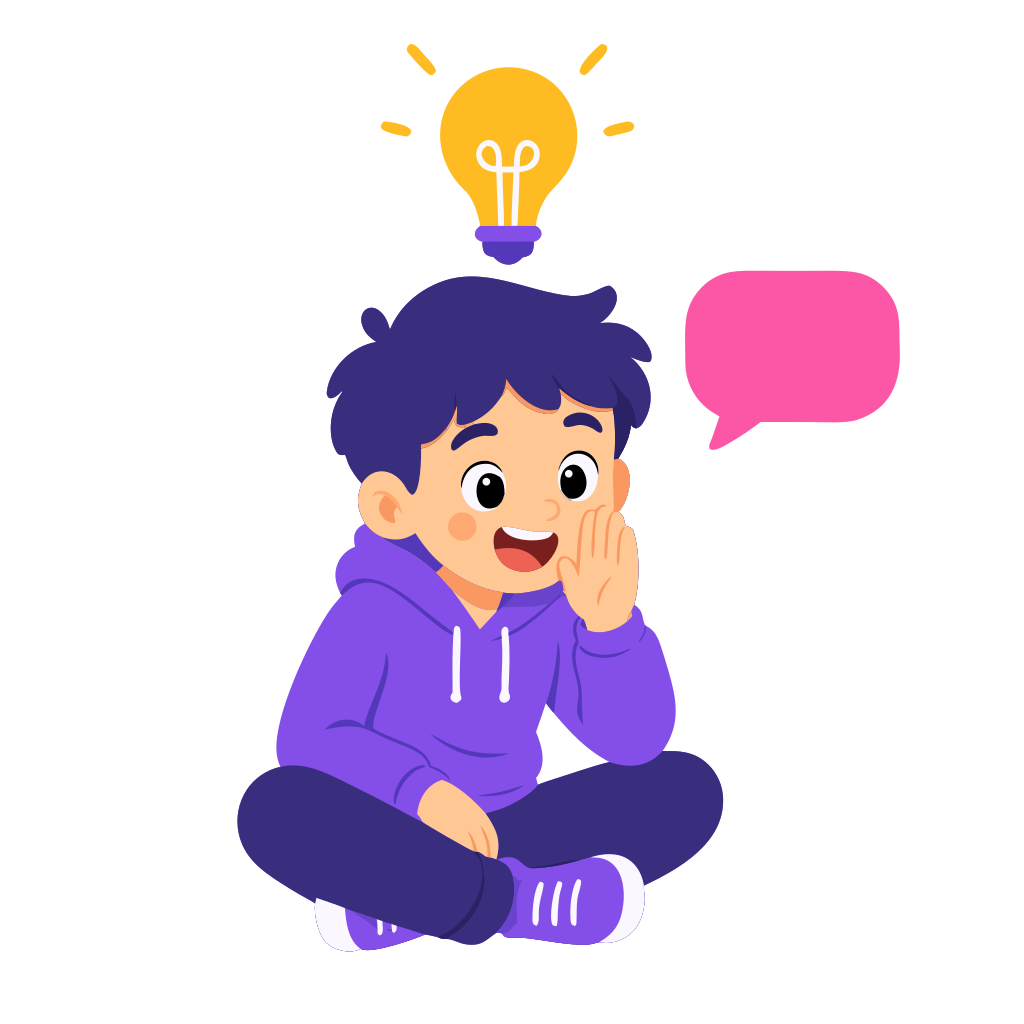
    Tell the AI your idea

    “A quiz about dinosaurs”, “a dragon clicker game”, “a flashcard app for Spanish”. Type it or say it out loud.

  2. STEP 2

    Watch it build itself

    Loopkid writes the code and shows the result instantly. Don’t like something? Just ask for a change.
  3. STEP 3

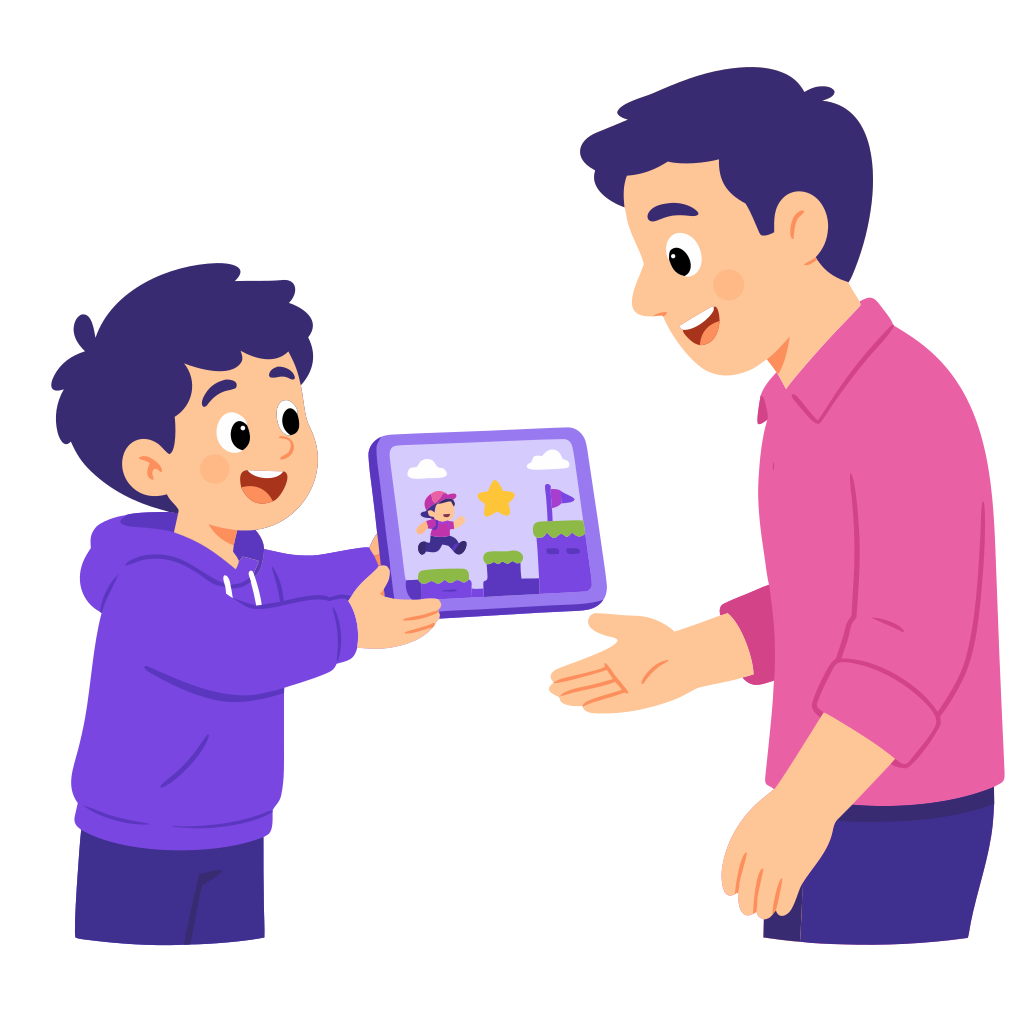
    Share with family and friends

    When the kid is ready to publish, a parent approves it in one tap and the app gets its own shareable link.

Screen time, reimagined

Turn screen time into creation time

Instead of only watching videos or playing games, kids use Loopkid to create their own games, apps, quizzes, and stories. They learn how digital products are made while having fun.

  • Active, not passive

    Kids build instead of just consuming content.

  • Real skills underneath

    Logic, design, problem-solving, picked up by doing, not by lessons.

  • Something to be proud of

    Every session ends with a thing the kid actually made.

What changes

A different kind of screen hour

Before

Kids consume content.

With Loopkid

Kids create games, quizzes, tools, and stories.

Before

Screen time feels wasted.

With Loopkid

Screen time builds confidence and skills.

Before

Coding feels too hard to start.

With Loopkid

Building starts with a single sentence.

What they learn without noticing

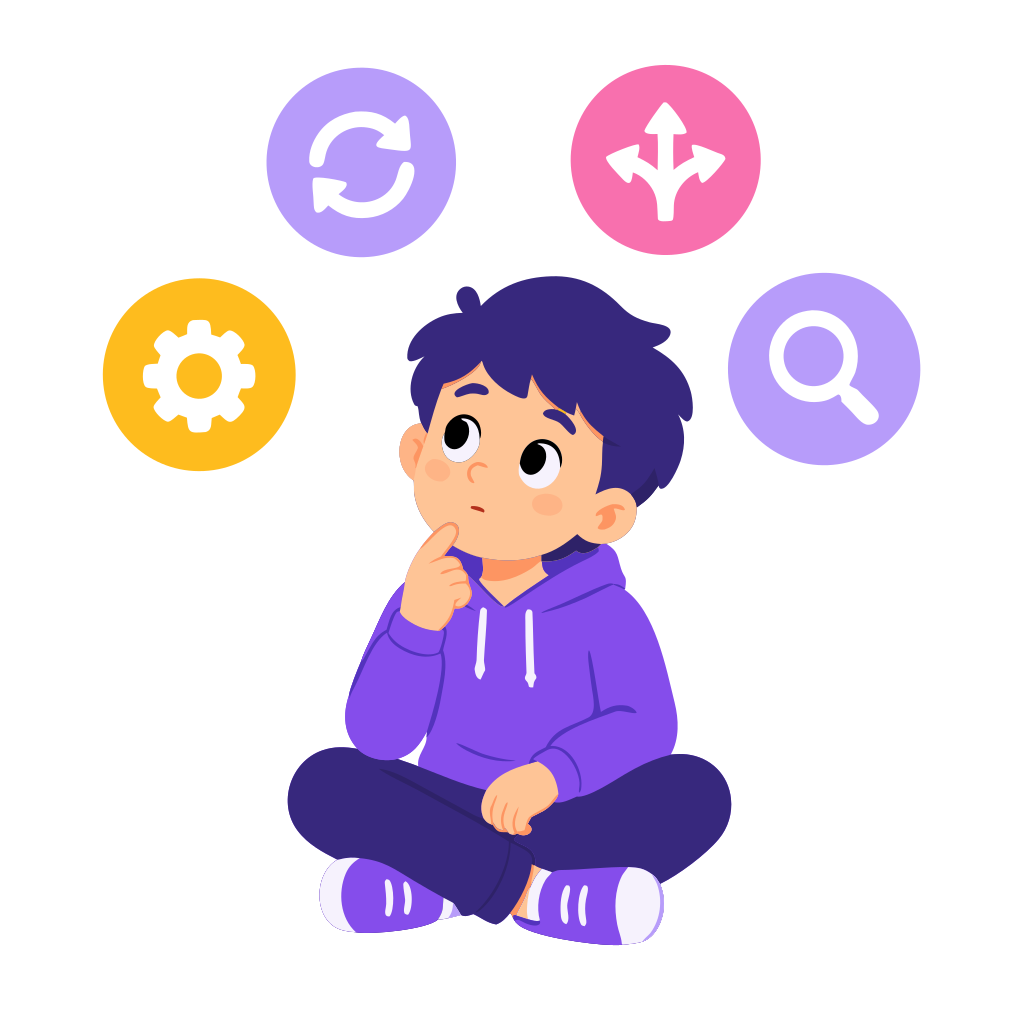
They don't need to write code to think like builders

Loopkid isn't about forcing kids to learn syntax on day one. It helps them think like creators, builders, and problem-solvers, through play.
  • Logic
  • Inputs & outputs
  • Conditions
  • Loops
  • Variables
  • Game rules
  • UI changes
  • Testing
  • Debugging
  • Iteration
  • Product thinking
  • Problem solving
What kids can build

Every idea can become something playable

Games, quizzes, study tools, stories, mini apps, all built from a single sentence.

  • A dinosaur game

    Run, jump, eat leaves.

  • A spelling quiz

    Practice this week's list.

  • A pet care app

    Feed it, walk it, name it.

  • A football tracker

    Score, fouls, who won.

  • A space adventure

    Levels, aliens, a boss.

  • A math challenge

    Pick a topic, generate problems.

  • A story with endings

    Choose what happens next.

  • A memory game

    Match the pairs, beat the clock.

  • A geography quiz

    Flags, capitals, continents.

  • A habit tracker

    Tick it off, watch the streak.

  • A birthday game

    Just for one friend.

  • A classroom voter

    Pick the next book together.

What kids get

A real creative studio, not a toy

Every Loopkid project is a real working app. Kids own what they make.
  • Speak or type

    Built-in voice input. Readers and non-readers alike can describe what they want.

  • Instant preview

    The app appears in seconds and updates as the kid asks for changes. Play it right in the studio.

  • Built-in asset library

    Curated images and sounds kids can drop into their projects. No copyright surprises.

  • Save, remix, share

    Every version is saved. Kids can revisit old games, fork ideas, and publish their favourites.

  • Designed for ages 6–13

    Big buttons, plain language, no jargon. Tuned for early readers and tweens alike.

  • Works on any device

    Tablet, laptop, phone. Loopkid runs in the browser. Nothing to install.

Why parents love Loopkid

You stay in the loop

Loopkid is built for kids, but designed so parents can trust it without hovering.

  • Productive screen time

    Kids create instead of only consuming. The same hour, very different output.

  • Confidence built in

    Their ideas turn into real things. That feeling sticks.

  • Future-ready skills

    Logic, design, problem-solving, digital fluency, all picked up naturally.

  • Full visibility

    See every project, every play session, every publish request in your parent dashboard.

  • No strangers. No ads.

    No public social feed. No external chats. Nothing shared without your nod.

  • Something to celebrate

    Open what they built. Play it. Share it with grandma. That's the moment we're after.

Safety and parent control

Built for kids, designed for parents to trust

Every choice we made starts with the same question: would we hand this to our own kid?
  • Reviewed before publish

    Nothing goes live until a parent explicitly approves it.

  • COPPA-compliant

    Verifiable parental consent, no marketing to kids, full data control under US COPPA and GDPR-K.

  • No ads, no public feed

    No strangers, no comments, no popularity ranking. Just the kid's own work and what you choose to share.

  • Ages 6–13, calibrated

    Language, ideas, and difficulty tuned to age. Safety moderation runs on every prompt and every result.

Start free

Let your kid build something today

Open the studio, type one sentence, and watch the first app appear. Plans and pricing live inside. Pick one only when you're ready.

  • No credit card needed
  • Build your first projects for free
  • Parent approval before anything is shared

Paid plans available later in the app. Cancel anytime.

Questions parents ask

Frequently asked questions

  • Is Loopkid safe for my child?
    Yes. Every prompt and result is filtered through child-safety moderation, there are no ads, no chats with other users, and no social feed. Publishing requires explicit parent approval.
  • Does my child need to know how to code?
    No. Kids describe what they want in plain language and the AI writes the code. The point of Loopkid is to make real apps without learning syntax first.
  • What ages is this for?
    Loopkid is designed for kids aged 6–13. The UI uses plain language, big buttons, and voice input so younger kids can participate too.
  • Can I see what my child is building?
    Yes. The parent dashboard shows every project, every play session, and every publish request. You approve what leaves the family.
  • Can I cancel anytime?
    Yes. All paid plans are month-to-month. Cancel from the parent dashboard and you stay on the plan until the end of the period.
  • What happens to my child’s data?
    We follow COPPA and GDPR-K. We don’t market to kids, we don’t sell data, and you can export or delete everything from the parent dashboard.

Ready to see what your kid will build?

Free to start. No credit card. Parents in control.